Start with the room label
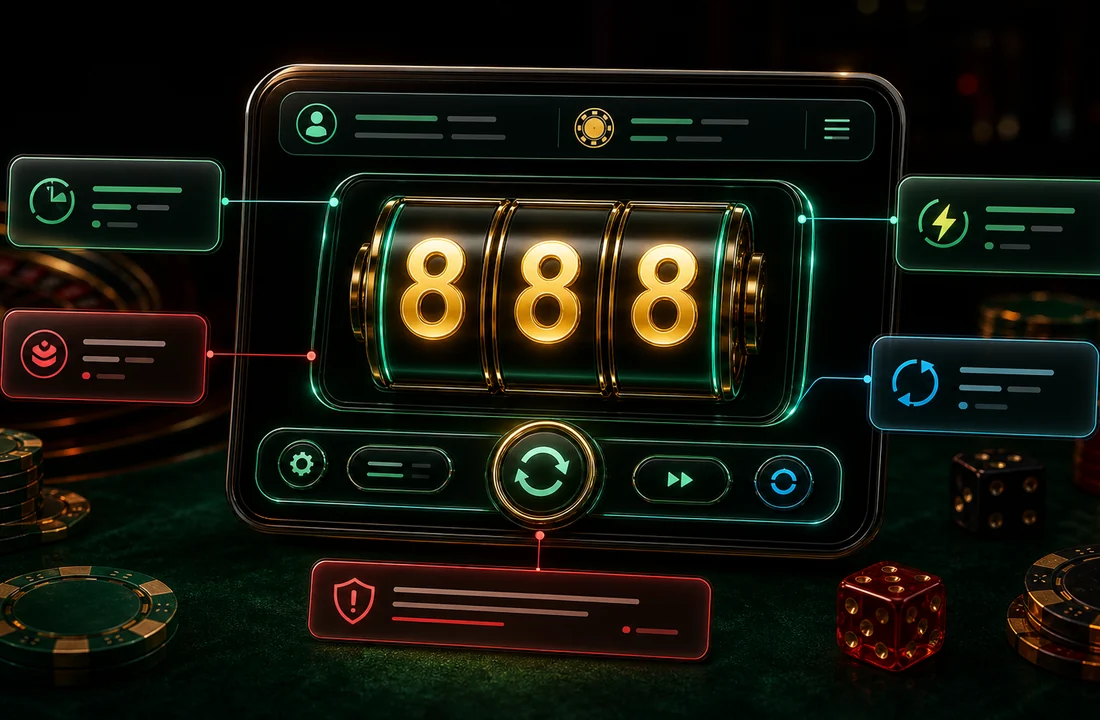
A room card may show a name, level, entry value, timer, or small status mark. Do not treat the biggest glow as the most important part. The small label near the button often tells you more than the animation.
Check the spin area
Look for the main control state. A clear screen usually separates the spin control from settings, history, and account prompts. If a button changes color after a tap, wait for the screen to settle before tapping again.
Read balance and message areas slowly
Balance text, account notices, and short warning lines can be tiny on mobile. Look at the top and bottom bars before tapping again. If a prompt asks for private codes or urgent action, leave the screen and verify through a safer route.
Do not read effects as proof
Reel flashes, coin bursts, and sound cues are part of the visual layer. They can make a screen feel active, but they do not prove what will happen next.